Powertrain Control Module (PCM) Message Not Received At Body Control Module (BCM)
- Turn ignition on. Using scan tool, select BODY COMPUTER, SYSTEM TESTS then PCM MONITOR. If scan tool displays PCM IS ACTIVE ON THE BUS, replace BCM. See BODY CONTROL MODULE under REMOVAL & INSTALLATION. Perform BODY VERIFICATION TEST under VERIFICATION TESTS. If scan tool does not display PCM IS ACTIVE ON THE BUS, go to next step.
- Attempt to communicate with PCM. If scan tool communicates with PCM, go to next step. If scan tool does not communicate with PCM, go to NO RESPONSE FROM PCM (PCI BUS) . Perform BODY VERIFICATION TEST under VERIFICATION TESTS.
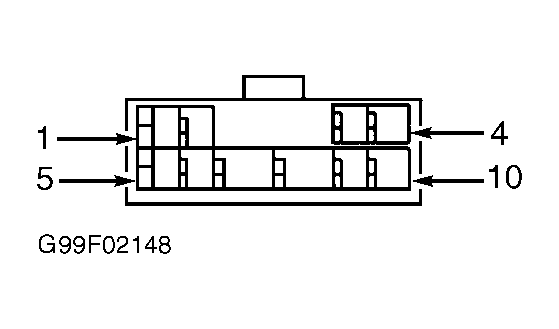
- Turn ignition off. Disconnect Gray PCM connector C3 located in right rear of engine compartment. See Fig 1. Connect Diagnostic Junction Port Tester (8339) to diagnostic junction port. See Figure. Do not connect tester to scan tool. Using DVOM, measure resistance between diagnostic junction port tester pin No. 1 and PCM connector C3 terminal No. 30 (Yellow/Violet wire). See Fig 1. If resistance is less than 5 ohms, replace PCM. See POWERTRAIN CONTROL MODULE under REMOVAL & INSTALLATION. Perform BODY VERIFICATION TEST under VERIFICATION TESTS. If resistance is 5 ohms or greater, repair open in Yellow/Violet wire (PCI bus circuit). Perform BODY VERIFICATION TEST under VERIFICATION TESTS.
 Courtesy of CHRYSLER CORP.
 Courtesy of CHRYSLER CORP.