Vehicle Interface Unit: Installation
- Record 10-digit STID number from label on new module.
- Install VIU to bracket by rotating downwards into hook tab.
- Connect GPS cables to VIU.
- Connect red 32-pin harness connectors and blue 32-pin harness connector.
- Install screws securing VIU bracket to instrument panel metal brace. Tighten screws to 89 INCH lbs. (10 N.m).
- Align instrument panel compartment to instrument panel.
- Install bolts to instrument panel compartment hinge. Tighten instrument panel compartment hinge bolts to 35 INCH lbs. (4 N.m).
- Install right insulator panel.
- Contact OnStar® dealer support line by pressing OnStar® button twice. 10-digit STID number recorded will be needed by OnStar® dealer support line.
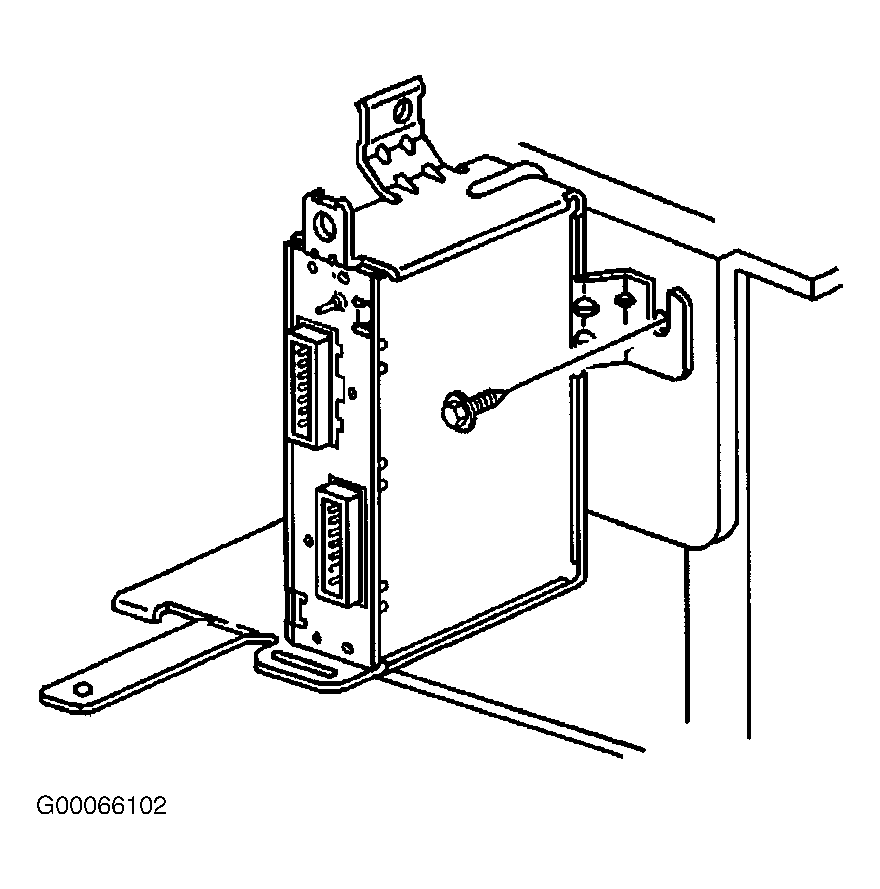 Courtesy of GENERAL MOTORS CORP.
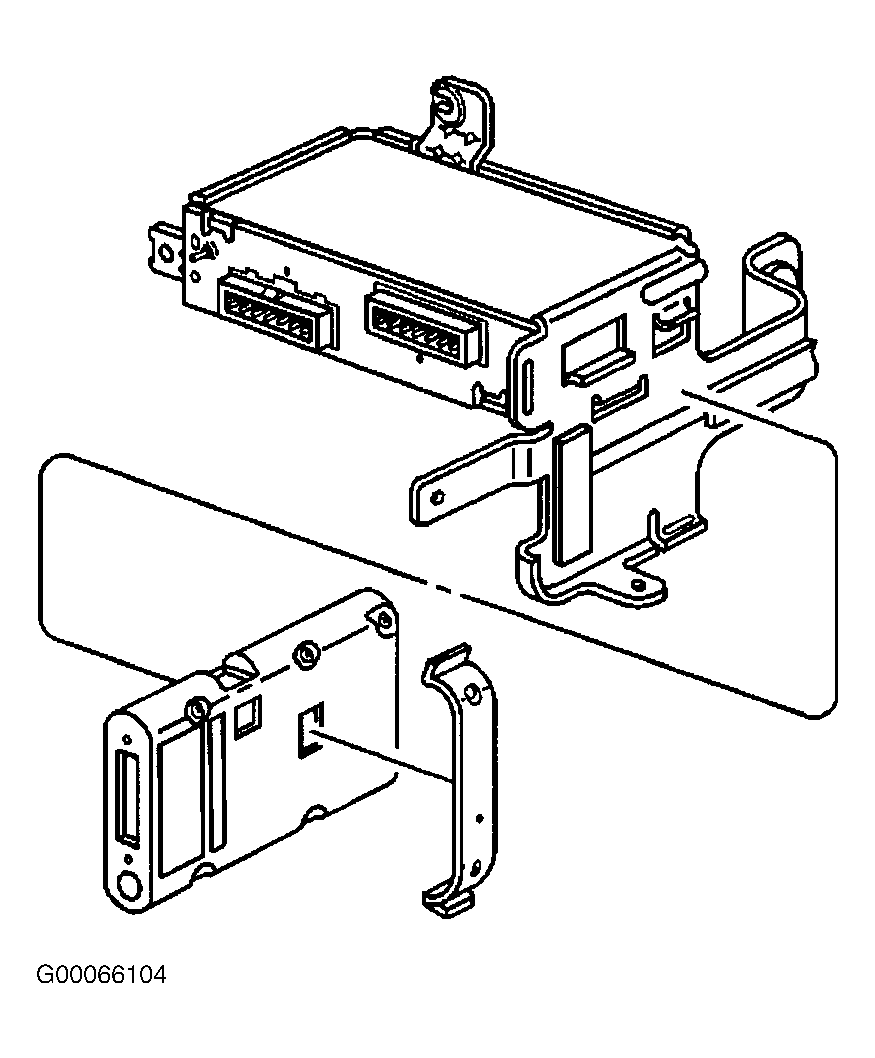 Courtesy of GENERAL MOTORS CORP.